
39% of all invoices contain at least one error, and manual processing costs $15 to $16 per invoice versus $3 or less with AI-driven document processing (DocuClipper, 59 Accounts Payable Statistics 2026). Intelligent document processing (IDP) reads invoices, contracts, and forms automatically, cutting processing time from an average of 14.6 days to under 2 minutes — without replacing the accounting software a business already runs.
Somewhere in your business, an invoice is sitting in an inbox waiting for someone to open it, read it, key the numbers into accounting software, and route it for approval. Multiply that by every invoice, contract, and intake form your business handles in a month, and it’s easy to see why paperwork quietly eats more staff time than almost any other back-office task.
Intelligent document processing is the part of AI that gets the least attention and delivers some of the most reliable returns. It doesn’t write emails or hold conversations — it reads documents, pulls out the data that matters, and routes it to the right place automatically. For a small business drowning in invoices, contracts, and intake forms, that’s often the fastest AI win available. Here’s what it actually does, what it’s worth, and how to add it without touching your existing accounting stack.
What Manual Paperwork Is Actually Costing Your Business
The average manual invoice takes 14.6 days to process, and nearly half of businesses (49%) spend more than 5 days a month just processing invoices (Gennai, Invoice Management Statistics 2026). That’s not time spent selling, serving clients, or growing the business — it’s time spent retyping numbers that already exist somewhere else in digital form.
The error rate compounds the cost. Nearly 39% of all invoices contain at least one error, and correcting a miskeyed amount plus tracing the resulting payment discrepancy makes the true cost of a manual invoice 25 to 40% higher than the direct processing cost alone (DocuClipper, 59 Accounts Payable Statistics 2026). For small businesses specifically, 56% report being owed money from unpaid invoices, with the average outstanding balance reaching $17,500 — and over half of all U.S. invoices are paid after their due date.
What Is Intelligent Document Processing (And How Is It Different from OCR)?
Intelligent document processing combines optical character recognition with AI models that actually understand what a document means — not just what it says. Older OCR software could read text off a scanned page, but it couldn’t tell an invoice number from a purchase order number, or recognize that a contract clause needed a manager’s sign-off. IDP does both, which is what makes it usable without a data-entry team reviewing every output.
In practice, IDP handles three document types that eat the most small-business time:
- Invoices — extracts vendor, amount, due date, and line items, then matches them against purchase orders automatically
- Contracts — flags key terms, renewal dates, and non-standard clauses for review instead of requiring a full manual read-through
- Forms and intake documents — pulls structured data from client intake forms, applications, and scanned paperwork directly into a CRM
72% of enterprises are already investing in AI document automation in 2026, and adoption is moving downmarket fast as the tools get simpler to configure (AdAI News, AI Document Processing Statistics 2026). The technology that used to require an enterprise IT team to deploy is now something a 10-person business can turn on in a week.
How AI Document Processing Actually Works Day to Day
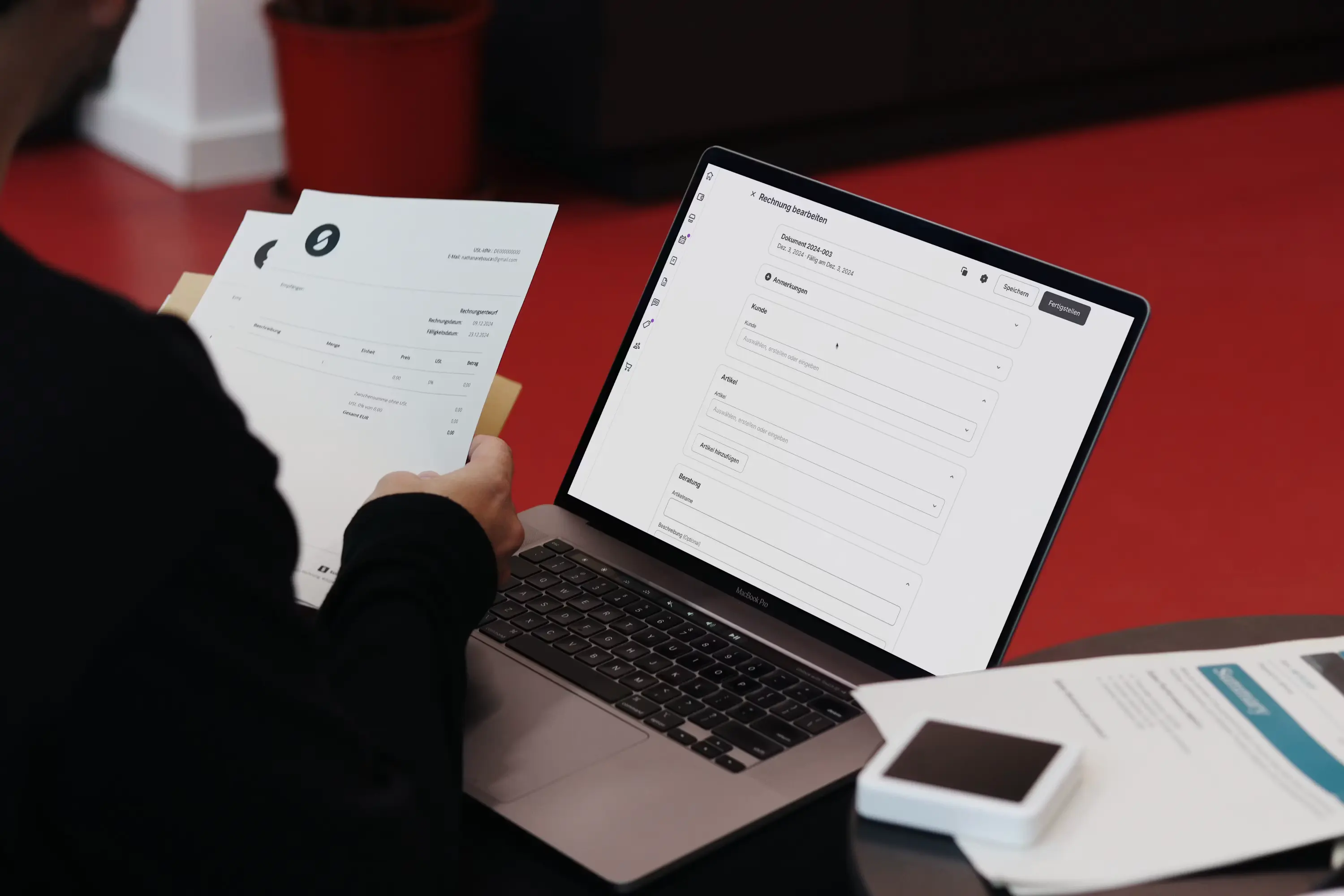
Invoice processing time drops from an average of 15 minutes per invoice to under 2 minutes once IDP is in place, and platforms report cutting manual handling by as much as 80% (AdAI News, AI Document Processing Statistics 2026). The workflow itself is simple to picture: a vendor emails an invoice, a document lands in a shared inbox, or a client uploads a form — and instead of a person opening each one, the AI system reads it the moment it arrives.
From there, the system extracts the relevant fields, cross-checks them against existing records (a purchase order, a client’s file, a contract template), and either processes it automatically or routes it to a person only when something looks unusual — a mismatched total, a missing signature, a vendor it hasn’t seen before. That exception-based review is what makes the system trustworthy: nobody is rubber-stamping AI output blindly, but nobody is manually reading every routine invoice either.
This is exactly the layer our AI-fy Your Business Processes service adds on top of the accounting and CRM tools a business already runs — connected directly to QuickBooks, Xero, or a shared inbox, with no new software for the team to learn from scratch.

Nobody got into business to type invoice numbers into a spreadsheet all afternoon. Document processing is the AI use case that gives that time back first — quietly, and almost immediately.
What the ROI Actually Looks Like
Automation cuts manual invoice processing costs from $15 to $16 per invoice down to $3 or less — roughly an 80% reduction on a cost that most businesses have never actually calculated per document (DocuClipper, 59 Accounts Payable Statistics 2026). Businesses with 10 to 50 employees report average annual savings of $15,000 to $50,000 once document processing is fully deployed, with industry data pointing to ROI exceeding 400% when implemented correctly (AdAI News, AI Document Processing Statistics 2026).
Run the math on a business processing 500 invoices a month. At $15.50 per invoice manually, that’s $7,750 a month in processing cost alone — before counting the 39% that come back with an error needing correction. At $3 per invoice automated, the same volume costs $1,500 a month. That’s over $6,000 a month back, on a task nobody was doing for strategic value in the first place.
How to Start Without Replacing Your Accounting Software
The businesses that get the fastest win don’t rip out QuickBooks or Xero to adopt document processing — they connect an AI layer on top of it. The rollout that works best starts narrow: pick the single highest-volume document type (usually vendor invoices), connect it to the existing accounting system, and let the AI handle the routine cases while routing exceptions to a person for the first month. Once that’s running cleanly, contracts and intake forms follow the same pattern.
This is precisely what our AI Strategy Consulting service is built to map out — a short readiness assessment against the specific documents eating the most staff time, so the rollout targets the highest-ROI paperwork first instead of automating everything at once.
If you want to know exactly how much manual document handling is costing your business right now, a free AI audit with Aifyze walks through your actual invoice and contract volume in under an hour — and shows the specific dollar recovery opportunity before you commit to anything.

Frequently Asked Questions
Does AI document processing replace my bookkeeper?
No. It removes the manual data-entry step — reading a paper or PDF invoice and retyping it into accounting software — while your bookkeeper still owns the books, reconciliation, and financial judgment calls. Given that 39% of manually entered invoices contain at least one error, most bookkeepers end up spending less time on corrections, not more time managing the tool.
How accurate is AI at reading invoices and contracts?
Modern intelligent document processing platforms report cutting manual handling errors by a large margin compared to manual entry, with exception-based routing catching the edge cases — mismatched totals, unfamiliar vendors, missing signatures — for human review rather than processing them silently. The result is a system that automates the routine 80% or more while still flagging the cases that genuinely need a person.
How long does it take to set up document processing for a small business?
Most small business deployments go live within 1 to 2 weeks when starting with a single document type like vendor invoices. The critical factor is connecting it directly to the accounting or CRM system already in use, so extracted data flows into the same place it always has — just without anyone typing it there manually.
What does AI document processing cost for a small business?
Small business IDP tools typically bring the cost per invoice down from $15 to $16 to $3 or less, which usually pays for the platform itself within the first month of higher-volume use (DocuClipper, 59 Accounts Payable Statistics 2026). Businesses processing 300+ documents a month tend to see the clearest payback, though even smaller volumes recover the time cost quickly.
Can it handle contracts, not just invoices?
Yes — contract review is one of the fastest-growing use cases. Rather than reading an entire agreement line by line, the system flags renewal dates, non-standard clauses, and missing terms against a template, so a person’s review time is spent on what changed rather than re-reading everything that didn’t.